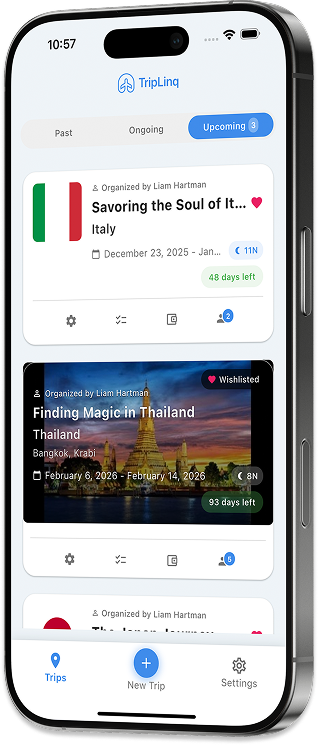
Quick answers to the most common questions about TripLinq and how it works.
Can I use TripLinq for solo travel as well as group trips?
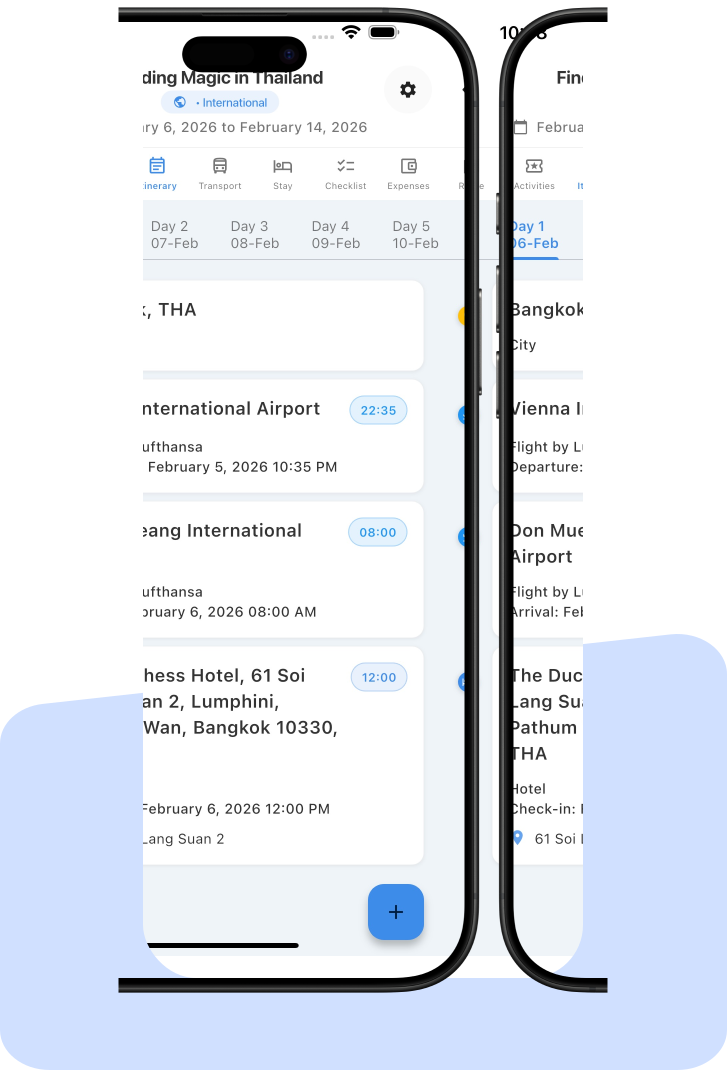
Yes, TripLinq is designed for every type of traveler. Solo travelers can use the app to auto-organize their itineraries from imported bookings and vouchers, maintain private packing checklists, and track personal budgets across multiple currencies. For family vacations, parents can manage budgets and permissions while other family members suggest activities. For group trips, everyone collaborates in real-time with equal editing rights, shared expense tracking, and automatic settlement calculations. The same app adapts to your travel style — no need to switch between different tools for different trip types.
How does live collaboration work in TripLinq?
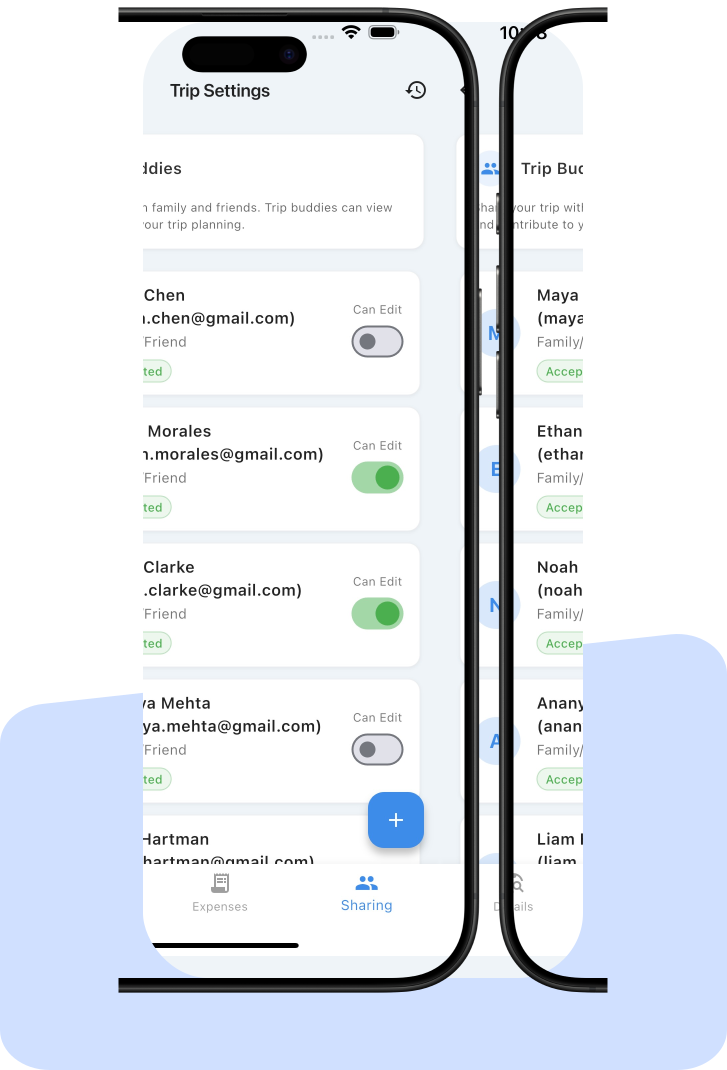
TripLinq's live collaboration lets you invite travel companions to your trip via email. Once invited, members can view or edit the itinerary depending on permissions you set. All changes — adding activities, updating hotel bookings, or modifying the schedule — sync in real-time across all devices. You can build a master buddy list of frequent travel companions for quick invitations to future trips. Trip buddies can also share Ideas — drop links, notes, and suggestions that others can react to and comment on, then convert the best ideas directly into booked activities, transport, or stays.
Can I track and settle trip expenses with TripLinq?
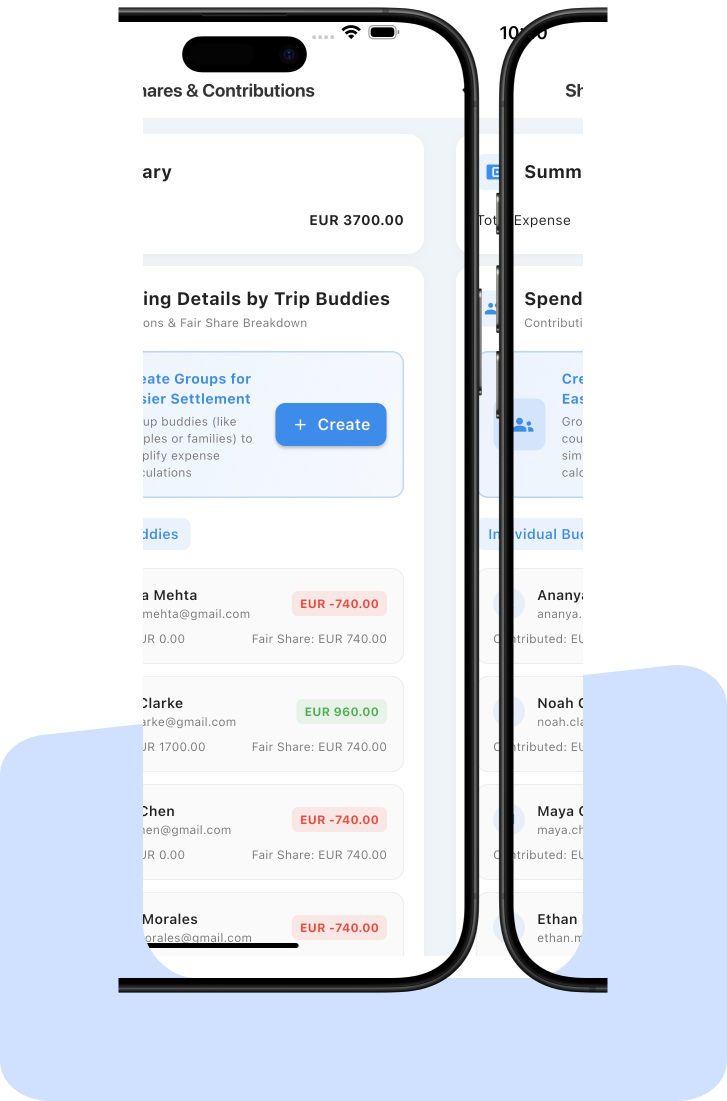
Yes, TripLinq includes a full expense tracking and settlement system. Record each expense with details about who paid and who participated. The app supports multiple currencies with real-time conversion rates, so international trips stay accurate. You can also lock in manual exchange rates for budget precision — useful when you want to track the actual rate you received rather than daily market fluctuations. TripLinq automatically calculates each person's share and generates settlement summaries showing exactly who owes whom, eliminating awkward money conversations after the trip.
Are my checklists private on shared trips?
Yes, TripLinq keeps your personal checklists completely private even on shared group trips. Your packing lists, task reminders, and personal to-do items are visible only to you. You can use pre-made checklist templates or create custom items. This means you can track personal items like medications, travel documents, or specific gear without sharing that information with the rest of your travel group. At the same time, you can still contribute to shared group tasks that everyone needs to coordinate on.
Does TripLinq work offline?
Yes, TripLinq provides offline access to your core trip data including itineraries, checklists, and stored documents like hotel vouchers and flight confirmations. This is especially useful when traveling to areas with limited connectivity or when roaming data is expensive. Any changes you make while offline sync automatically when you reconnect to the internet. Your booking confirmations, travel documents, and day-by-day schedule remain accessible throughout your trip without needing a data connection.
Is there a limit to traveler group size?
No, TripLinq has no limits on group size. The app works for solo travelers, families, small friend groups, and large travel parties of 50 or more people. The collaboration tools scale to handle any number of participants — each member can view the itinerary, add expenses, and contribute to planning. Permission controls let trip organizers decide who can edit and who has view-only access, keeping large group trips organized without chaos.
Is TripLinq free for all types of travel?
Yes, TripLinq's core features are free for solo, family, and group travel with no time limits. This includes auto-itinerary generation, live collaboration, expense tracking with multi-currency support, private checklists, and offline access. Premium features such as advanced trip analytics, unlimited file storage for travel documents, and priority customer support are available as optional upgrades for frequent travelers and power users who need additional capabilities.
Can I store booking confirmations and travel documents?
Yes, TripLinq lets you store all your travel documents securely within the app. Upload booking confirmations, hotel vouchers, flight tickets, visa copies, and any other travel paperwork. All stored documents are accessible offline during your trip, so you can pull up a hotel confirmation or flight details even without internet access. You can also save your preferred booking partners and payment methods within the app for faster future trip planning.